Master Your Digital Life

Elevate your daily workflow with our premium suite of intelligent applications. Designed for professionals who value precision, clarity, and control.

Finance

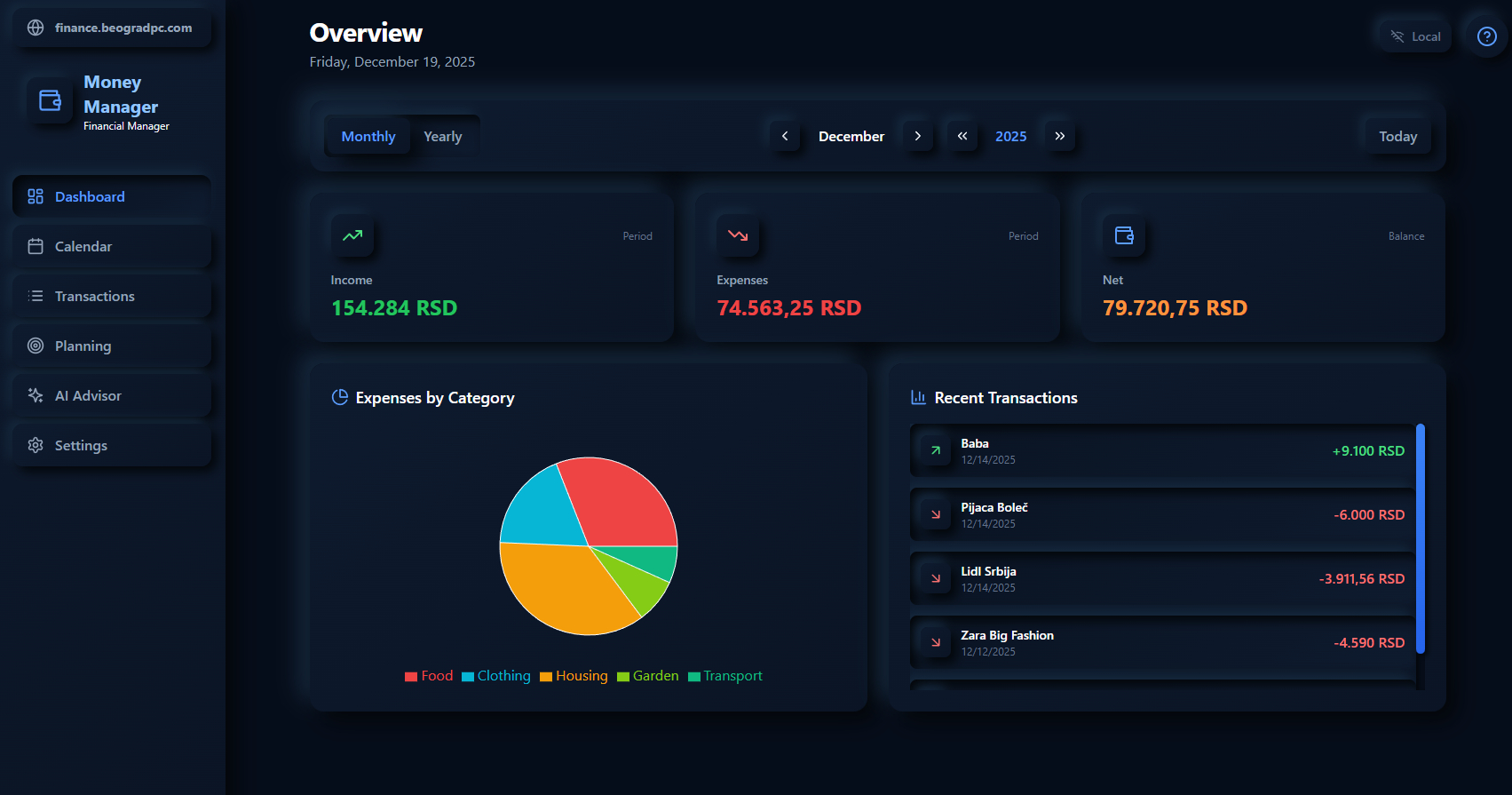
Money Manager

Gain total clarity over your financial health. Our intelligent system categorizes transactions, visualizes spending patterns, and helps you build wealth with precision.

AI financial advisor powered by Gemini
Receipt scanning with AI OCR
Budgets, savings goals & planning
Cloud sync & interactive dashboards
Open Money Manager →
Money Manager Dashboard
Productivity

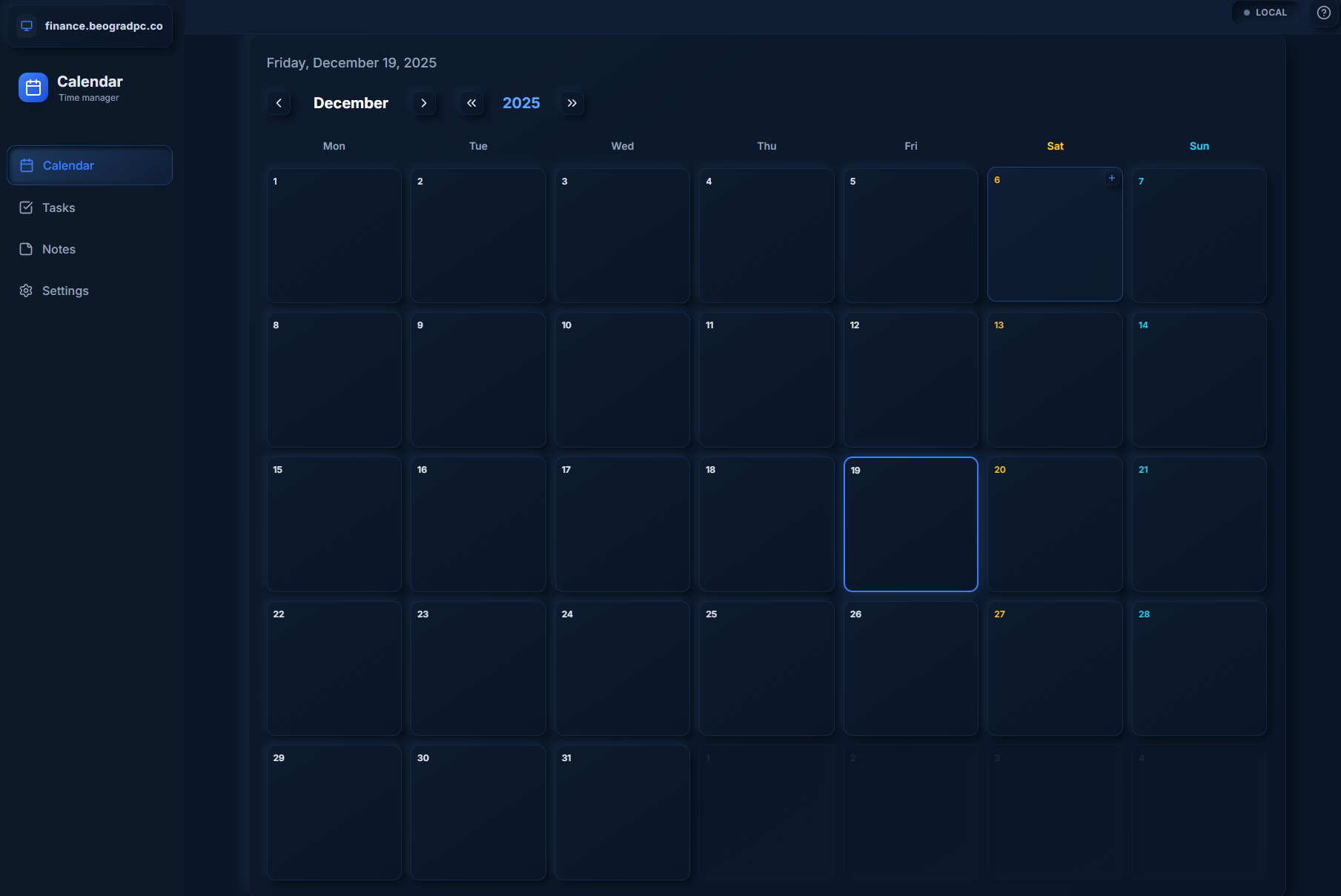
Smart Calendar

Orchestrate your time with AI-assisted scheduling. Seamlessly blend tasks, events, and reminders into a single, cohesive timeline of your life.

AI subtask breakdown powered by Gemini
Recurring tasks with alarms & reminders
Offline-first storage with cloud sync
Quick capture notes & backup export
Open Calendar →
Calendar Interface
Utilities

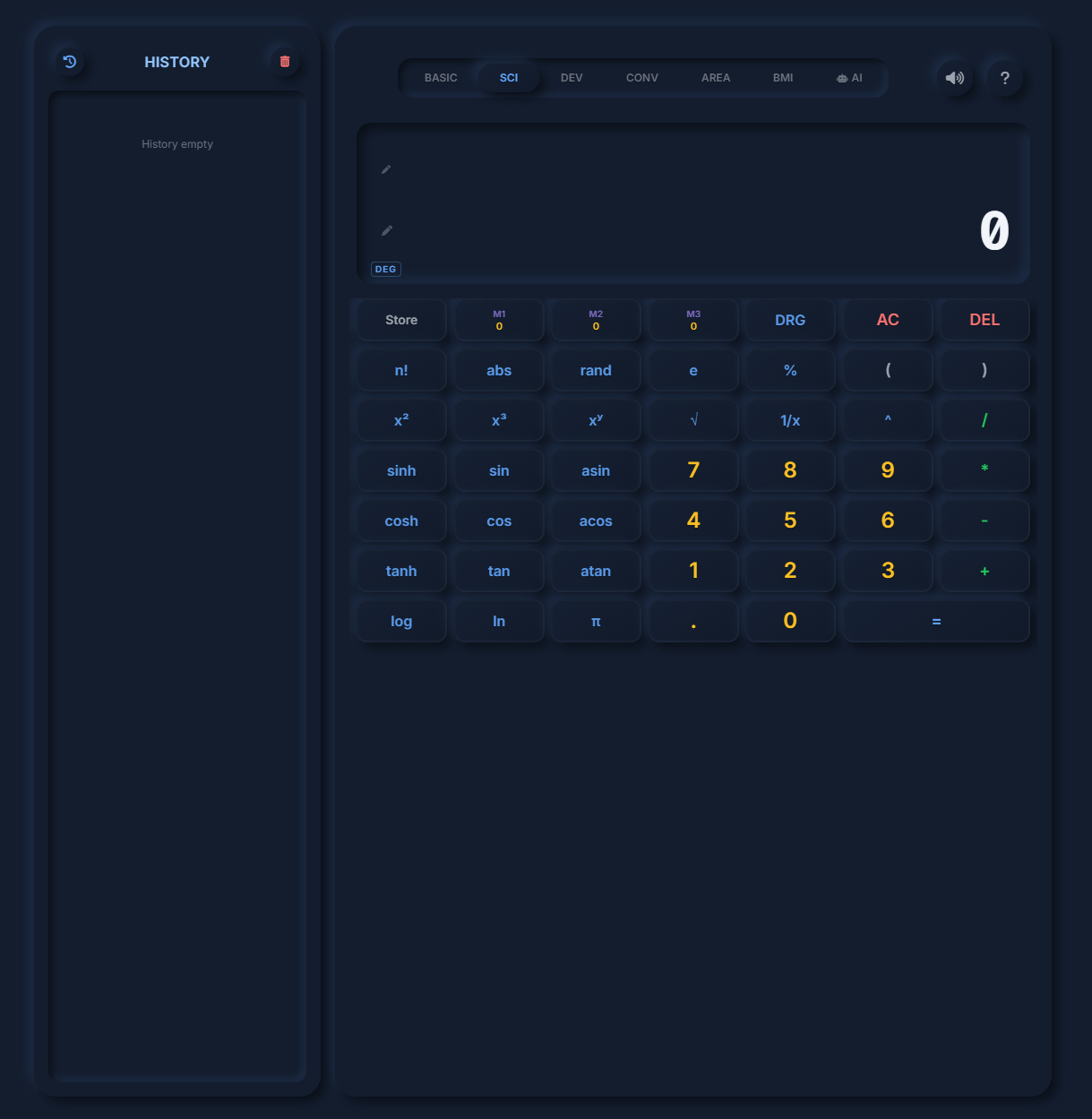
Pro Calculator

Beyond simple arithmetic. Designed for developers, engineers, and scientists who need history tracking, unit conversions, and complex algorithmic capabilities.

AI math assistant with image input (Gemini)
Scientific, Developer & Graphing modes
Equation solver & unit converter
Persistent history & memory functions
Open Calculator →
Calculator Interface

About the BeogradPC Productivity Suite

The Productivity Suite is a set of three free web apps that run entirely in your browser: Money Manager Pro for tracking expenses and budgets, Smart Calendar for tasks and time management, and a professional calculator with Scientific, Programmer and Graphing modes plus an AI math assistant.

Are these apps really free?

Yes. All three apps are free to use in any modern browser, on desktop and mobile, with no installation and no registration required to get started.

Where is my data stored?

Money Manager and the Calculator keep your data locally in your browser, on your device. The Calendar additionally offers optional sign-in so your tasks can stay in sync across devices.

Do the apps work on a phone?

Yes. All three are responsive, and Money Manager Pro can be installed as a PWA — open it on your phone and use “Add to home screen” to run it like a native app, including offline.